
What Is 3DS and Why Facebook Asks for It
3DS (3-D Secure) is a security protocol banks use to confirm that a card is being used by its real owner. When you link a card to Facebook Ads, the platform may ask you to complete 3DS verification — usually a one-time code sent to your phone or email, or a PIN you set up with your bank.
Facebook doesn't trigger 3DS on every card. Whether you see it depends on the card issuer, the bank's risk assessment, and sometimes the amount you're about to spend. If your card is flagged as higher-risk, you'll see the verification screen before you can use it for ads.
When 3DS Appears During Setup
3DS usually shows up when a card looks new or unusual to the bank — a fresh card, a fresh ad account, or a geographic mismatch. The most common triggers:
- Linking a new card — especially if it's the first time the card has been used for Facebook advertising
- Adding a card to a fresh ad account — new accounts trigger more checks
- Using a card from a different country than your account location — geographic mismatch raises flags
- Attempting a large initial charge — high first transactions get scrutinised
The verification usually completes quickly. Your bank sends a code, you enter it, and the card is active. If it fails, the card won't work until you retry or contact your bank.
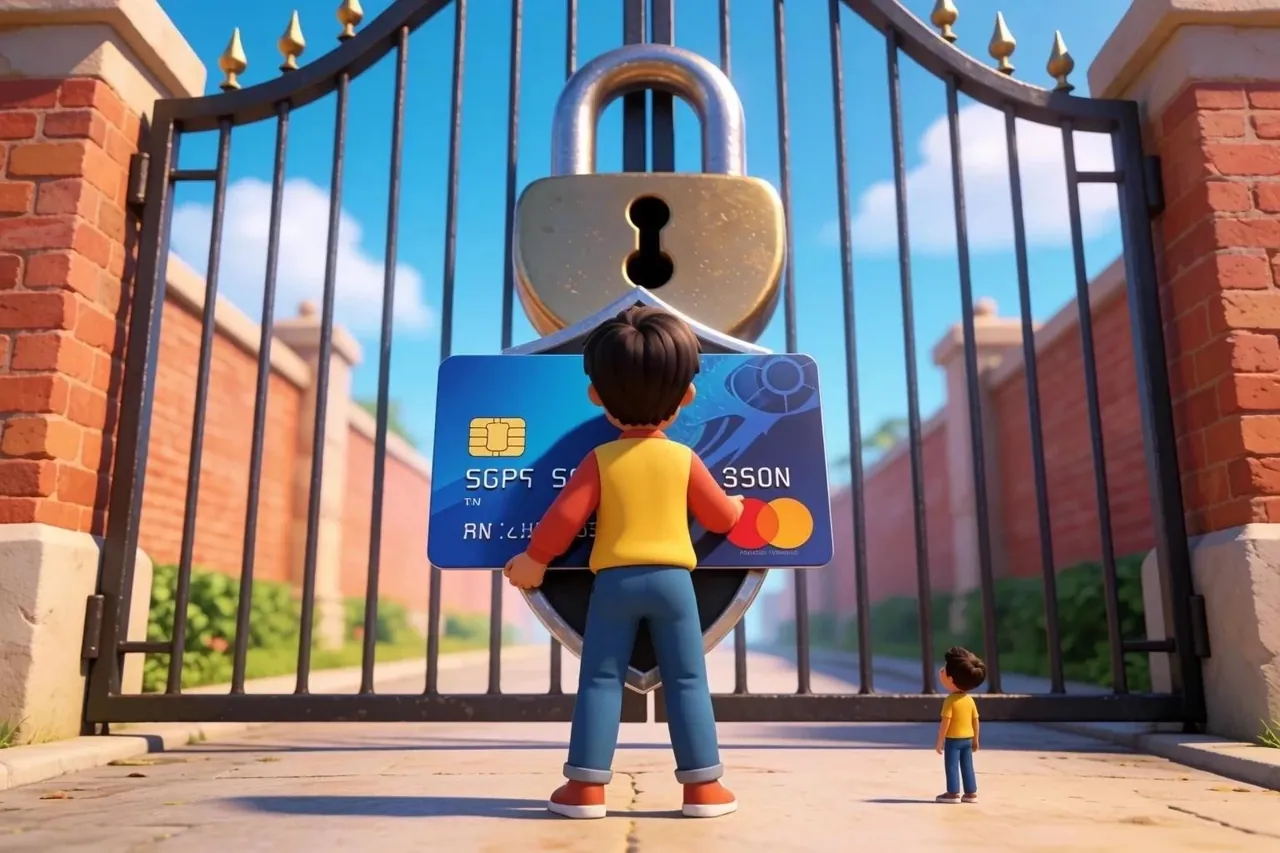
Common Issues and How to Avoid Them
Most 3DS failures come down to a few things: you can't receive the code in time, the card is restricted by your bank, or the card type simply isn't accepted.
The biggest mistake is not having your phone or email accessible when linking the card. If you miss the 3DS prompt or the code expires, you'll have to start over. Keep your contact details up to date with your bank.
Another trap: using a card that's already been flagged or frozen by your bank. If your bank restricts online spending or international transactions, Facebook won't bypass that — you'll fail verification. Check your card status before linking.
Some cards simply don't work with Facebook, especially prepaid or virtual cards from certain providers. If 3DS keeps failing on the same card, try a different one or contact your bank to ask if they support Facebook payments.
3DS and Account Safety
3DS works in your favour: it confirms that you — not someone else with your card details — are the one adding a payment method. That matters most on shared or team-managed ad accounts, where more than one person touches the same setup.
If you see 3DS prompts you didn't trigger, stop. Someone else may be trying to add a card to your account. Change your password immediately and check your account activity.
Linking Cards for First Billing
Cards for first billing still go through 3DS, but the amounts are so small that extra checks rarely fire. When you use cards for first billing — those initial credits from $2 that let you run ads before Facebook charges you — the verification happens the same way.
The key is making sure the card is valid and active before you add it. If the card fails 3DS during first billing setup, Facebook won't create the ad account credit, and you'll have to try again with a different card or wait for your bank to resolve the issue.

What to Do If 3DS Fails
If 3DS fails, retry once, and if it fails again, call your bank before you start swapping cards.
First, wait a moment and try again. Sometimes the code expires or the connection drops.
If it fails again, contact your bank. Ask them to:
- Confirm the card is active and not frozen
- Check if they're blocking Facebook transactions
- Verify that 3DS is enabled on the card
If your bank confirms everything is fine but Facebook still rejects it, try a different card. Some banks have stricter rules for ad platforms, and switching providers is faster than troubleshooting.
Choosing the Right Card
Pick a card that matches your account's country and keep a spare — geo mismatches and blocked cards are the usual reasons 3DS fails. Local cards from the card's own region tend to run into fewer geographic flags than foreign ones.
If you're running multiple ad accounts, use a different card for each one when possible. That keeps one account's payment problem from spilling into the others. Keep a spare valid card linked to your main account so you're not stuck if one gets blocked.
For steady volume, our store offers cards for first billing that have been tested with Facebook, so there's less trial and error when you set them up.
FAQ
Is 3DS required to add a card to Facebook Ads?
Not on every card, but when Facebook or your bank triggers it you have to complete 3DS — otherwise the card won't link. It confirms you're the real cardholder.
Why does my 3DS code never arrive?
Usually the bank sends the code through its app instead of SMS, or the phone number on file is out of date. Request the code again and check your contact details with the bank.
Do cards for first billing need 3DS too?
Yes. Cards for first billing — credits from $2 that let you run ads before Facebook charges you — still go through verification, but the amounts are small enough that extra checks rarely fire.