

Rental accounts dominate in arbitrage because they come with the history and trust that an auto-reg doesn't have. A rented profile belongs to a real person, has friends and activity, and can go into ads without warming, so it gets fewer checks and holds up longer on spend. An auto-reg is a freshly registered, empty account: cheaper upfront, but it needs warming and gets flagged more often. That's why auto-regs are used for tests and rentals for scaling.
The difference comes down to how Facebook sees the account. A rental has been around: it has friends, activity, posts, so the platform treats it as a real user. An auto-reg is obviously new and empty, the platform is more suspicious of it, and you'll go through them faster.

What you actually get with rental
With rental you get temporary access to a real person's profile that Facebook already trusts. The owner keeps the account; you use it for the rental period.
Rental accounts come in 2024-2025 and 2022-or-older registrations. Older profiles carry more trust, newer ones cost less. If you want the basics first, here is how Facebook account rental works.
Checks can still happen on a rental. If the account gets a check and it doesn't clear within 48 hours, the account is replaced.
The catch: you can't touch the owner's personal page. Don't change the profile picture, don't add friends, don't post anything — there are good reasons why the owner's personal page stays off-limits. The account stays theirs. You only work in the ad account and business manager.
Auto-reg: cheap entry, higher risk
An auto-reg is a freshly registered, empty profile, and it costs less because it carries more risk. Facebook sees a new account with no history trying to run ads and reacts faster: limits, checks and bans come sooner than on a rental.
Auto-regs work best for quick tests on small budgets. You're not betting the campaign; you're testing a link, a landing page, an audience. If the account dies, you lose a cheap account, not a rental you paid for. For that kind of work, FB auto-regs from the catalog are the cheaper entry point.
An auto-reg has no history behind it, and the platform's anti-spam systems are built to catch exactly that kind of account. That's why it needs warming before real spend.
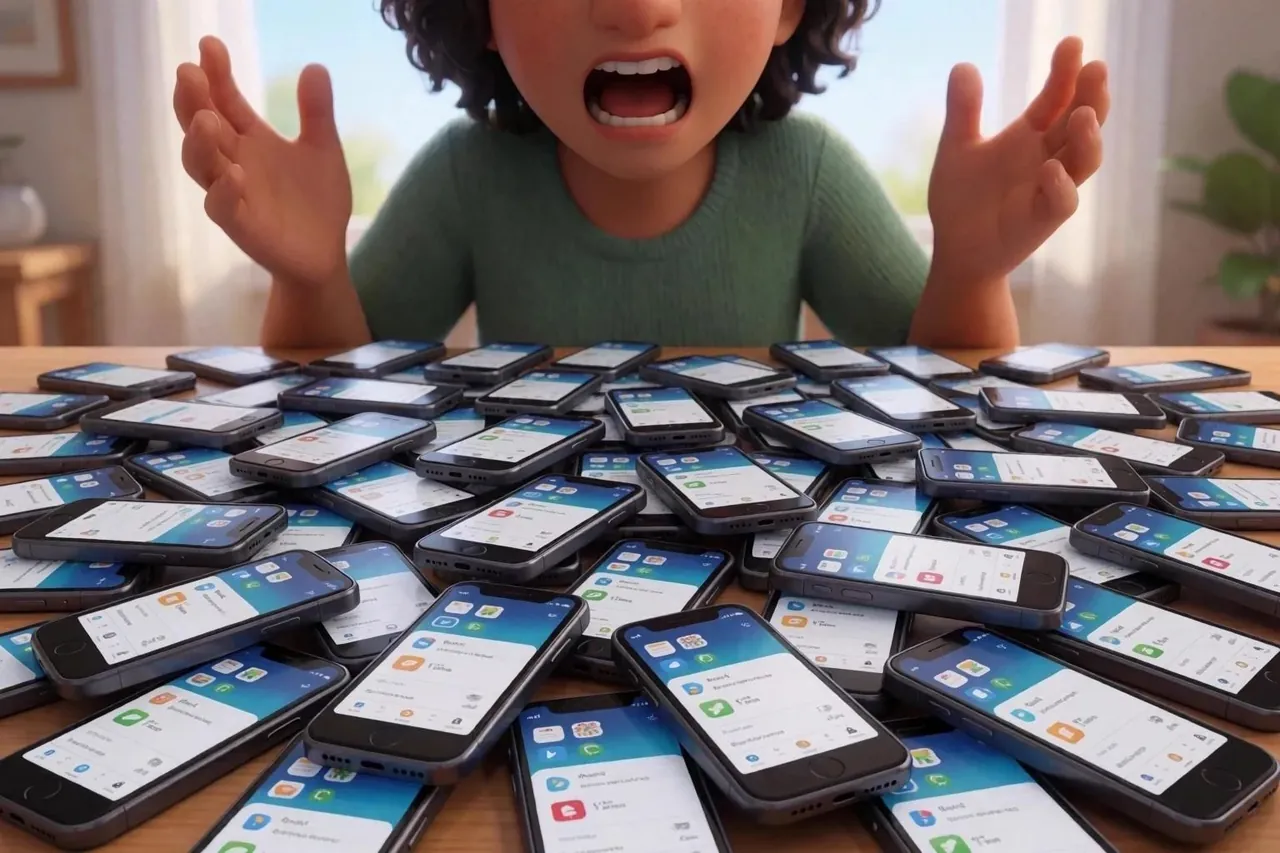
When rental makes sense
Rent when the campaign is proven and you're about to spend real money. You have a working link, a tested offer, a real audience, and you need the account to survive on spend. Rental accounts live longer because they have history behind them.
Rent when you can't afford an account dying mid-campaign. A dead auto-reg costs you the account plus lost traffic and time on a replacement. With rental, a check that doesn't clear is covered by replacement, so you're buying stability.
Rent when you're scaling: several campaigns, ad accounts, business managers. You need accounts that won't collapse under volume. Rental gives you the baseline trust to push higher limits and higher spend.

When auto-reg is enough
Auto-reg is enough for testing, when losing some accounts is part of the plan.
Use auto-regs for volume testing across many links. You expect some accounts to die, and you're fine with that because cheap accounts keep the math working while you look for the angle that converts.
Use auto-regs for niche testing: new vertical, new geo, new angle. You don't know if it'll work, so don't rent an account for it. If the test works, scale with rentals.
The real cost difference
Rental costs more per account, but it lasts longer on spend, so the price gap shrinks the longer the campaign runs. If you're running a campaign that needs to breathe, rental's lifespan is worth the price. If you're testing, auto-reg's low cost is worth the risk.
The hidden cost of auto-reg is replacement. You burn through them and need new accounts constantly. Rental is predictable: you rent, you use, you renew or return. No hunting for fresh accounts mid-campaign.
Auto-regs also need more warming. You're starting from zero, so Facebook is already suspicious. Rental accounts come pre-warmed by time and don't need 20+ sessions of activity before you trust them with real spend.
How to choose for your workflow
Short version: test on auto-regs, run proven campaigns on rentals.
| Your situation | Pick rental | Pick auto-reg |
|---|---|---|
| Testing a new offer | — | Yes |
| Scaling a proven link | Yes | — |
| Volume testing across geos | — | Yes |
| Long-term campaign | Yes | — |
Setting up rental for maximum lifespan
A rental lives longer when your setup is consistent: a proxy matching the account's geo, a stable fingerprint, and gradual spend.
Treat a rental account like borrowed equipment. Use a residential proxy that matches the account's geo. Don't jump between countries or log in from different locations on the same day.
Use an antidetect browser to keep your fingerprint stable: same device signature and same browser settings every session. Facebook tracks this, and sudden changes trigger checks. Rental accounts have more history to compare against, so your setup matters more.
Don't max out the ad account limits right away. Start below the account's spend threshold and raise it gradually. If the account has been inactive, start with some normal browsing before you launch campaigns.
Watch for checks. If Facebook asks for verification, respond immediately. A check that doesn't clear within 48 hours is covered by replacement, but it's better not to get there.
Why rental wins at the scaling stage
Rental wins once you scale because it gives what scaling needs: stability, a longer lifespan on spend, and higher limits.
Auto-reg is for experimentation; rental is for execution. Past the experiment phase, rental pays off through less account churn: you spend more per account, but less in total when the account doesn't die early.
The working setup uses both: auto-regs for testing, rentals for scaling. When you find a working angle, move it to FB account rental and push real volume.
FAQ
What is the difference between an auto-reg and a rented Facebook account?
An auto-reg is a freshly registered empty account with no history, and it needs warming. A rented account is a real person's profile with history and trust that you use temporarily, and it can run ads right away.
Is renting a Facebook account better than buying auto-regs?
For scaling a proven campaign, yes: rental costs more but lasts longer on spend and needs no warming. For tests and volume work, auto-regs are cheaper and good enough.
What happens if a rented account gets a check?
If the check doesn't clear within 48 hours, the account is replaced.